A Caretaker You Can Trust: RocketFlag 2.8
RocketFlag 2.8: the Flag Caretaker now treats cohort changes and toggles as real activity, so stale means stale. Plus org delete, Admin billing, and a digest you can switch off.
Published on September 15, 2026

A tool whose whole job is to nag you about stale feature flags has exactly one thing it must get right: being right. The moment the signal goes noisy, you stop reading the digest, and then it is worse than having nothing at all, because now you also feel vaguely guilty about the emails.
That bar is why 2.8 exists. The Flag Caretaker now treats cohort targeting and simple on/off toggles as real activity, so “stale” means something you’d actually act on. There’s organisation and billing work in this release too, but the Caretaker is the bit I’d want to know about first if I were you.
The Caretaker now understands cohort targeting
Here’s the problem. Until this release, the Caretaker judged staleness purely on how long it had been since a flag’s rollout changed. It did not know what cohorts were. So a flag you had deliberately restricted to, say, your internal team for the last three months looked, to the Caretaker, exactly like a flag sitting at 100% for three months. Stale. Remove it. Here’s a handy prompt.
Follow that prompt and delete the flag, and the feature it was hiding goes to everyone. That is the precise opposite of what a feature flag tool should ever nudge you towards.
From 2.8, changing which cohorts a flag targets counts as a rollout change and resets its staleness clock. And a flag that is still restricted to specific cohorts is reported as stale, because it genuinely might be, but it is marked “Not ready for removal” and gets no removal prompt. The Caretaker will tell you the flag hasn’t moved in a while. It will not tell you to expose a half-finished feature to your entire user base.
The second half of the fix is smaller but was arguably more annoying day to day. Toggling a single flag on or off was not resetting its staleness either. So you could flip a flag on Tuesday and have it show up in Thursday’s digest as untouched for six weeks. Urgh. Fixed.
Filter to stale flags only
While we were in there, the flag list gained an “Only show stale flags” toggle next to the search box. It only appears when a project actually has stale flags (no point showing a filter for an empty set), and it works together with the search, so “stale flags with checkout in the name” is one click and a few keystrokes.
Now that the staleness judgement is one I’d trust myself, this is the view I’d suggest opening once a fortnight.
Turn the digest off, if you must
Your account page has a new Notifications section where you can switch the Caretaker digest email off, or back on again. It stays on unless you change it, and the setting follows you across every organisation you belong to. I’d rather you read it, obviously, but I’d much rather you had the switch than a mail filter.
Organisations you can actually delete
Until now you could create an organisation in RocketFlag and then, well, keep it. Forever. That’s a bit rubbish, so Owners now have a Settings tab on each organisation with a Danger Zone in it.
An organisation can be deleted once you’re its last remaining member and it has no active subscription. The page tells you up front what still needs sorting if you’re not there yet (remove the other members, or cancel the subscription and wait for the billing period to end), and asks you to type the organisation’s name to confirm. Deleting takes every project and flag in the organisation with it, so the friction is deliberate.
A couple of related fixes landed alongside it. Creating an organisation now starts the 14-day Teams trial in the same step, rather than a moment later, which could briefly show a brand-new organisation as needing activation. And if someone invited you to an organisation before your first ever sign-in, it now appears straight away instead of after a refresh, and you’re no longer prompted to create a second organisation you never needed.
Billing for more than one person
Two changes here. First, the Enterprise plan can now be bought straight from the billing page with a “Get Enterprise” button, the same way as Teams. There’s a “Talk to someone” button next to it that opens an email to us if you’d rather have a conversation first, but you no longer have to.
Second, billing is no longer locked to the organisation Owner. Admins can choose a plan, add a payment method and open the billing portal too. And Members who can’t manage billing now see a clear note about who to ask, instead of a button that led precisely nowhere (yes, that was a thing).
The smaller things
Clearer first steps for new accounts. The landing page for a fresh account offers both paths side by side: create an organisation, or start a personal project. Picking a personal project drops you straight into it, and the set-up page gives the “working solo” option its own card.
Create an organisation from anywhere. The workspace switcher in the header has a “New Organisation” option, so you can start one from any page. The button has been removed from the personal projects page, where it never really belonged.
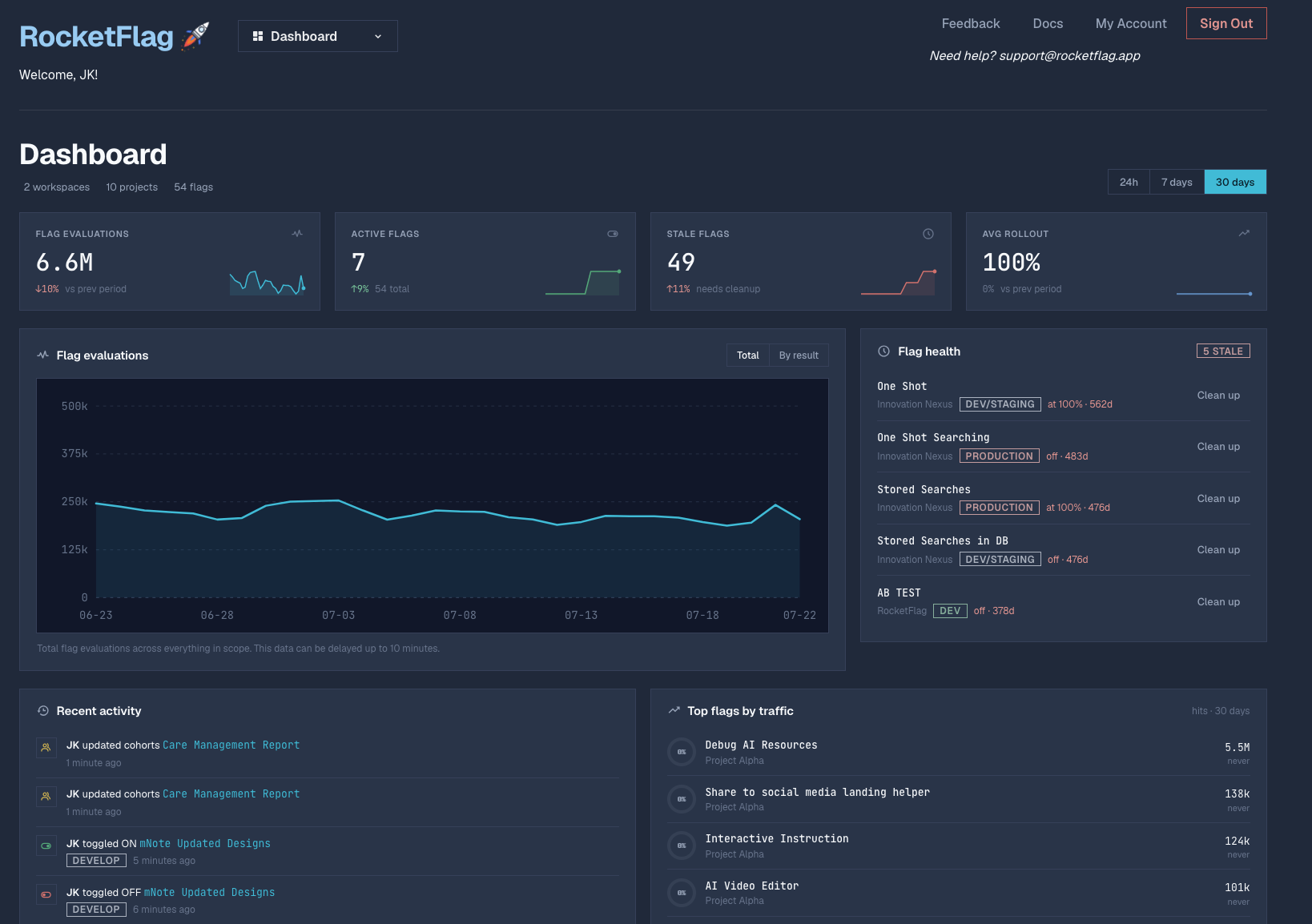
A tidier dashboard. “Jump back in” now sits at the top of the dashboard as a single full-width row, the page title is gone, and “Back to Projects” from a personal project returns you to your personal workspace rather than somewhere surprising.
Project types explained. When creating a project, each type now has a short description of what it’s for, so the single- versus multi-environment choice is clearer before you commit.
Small visual fixes. Muted text on the billing page is brighter and easier to read, the workspace switcher menu uses a single background colour, the RocketFlag wordmark matches the app’s accent colour, and the header has a little more breathing room above notices.
Go have a look
That’s 2.8. If you’re already on RocketFlag, log in, flick on the stale flags filter and see what the Caretaker now thinks of your project. If you’re not, the console is right here and the free tier doesn’t ask for a credit card. Other tools’ bills go up when you hire, or when your users show up. RocketFlag’s doesn’t.
And if the Caretaker is still getting something wrong, I genuinely want to know. Contact us or find me on the socials. Being right is the whole job.