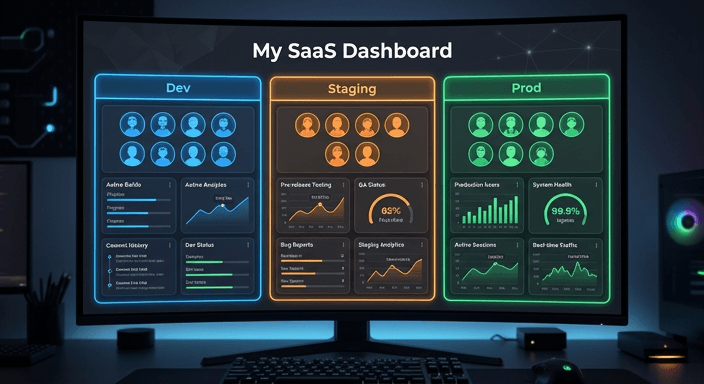
When we launched Group Flags last year, the goal was simple: stop the “flag sprawl” of having three different flags for dev, staging, and production. It worked brilliantly for standard rollouts, but we knew there was one area where you needed even more surgical control Cohorts.
Today, I’m excited to announce that we’ve brought that granular control to life. You can now define distinct cohorts for every single environment your group flags are deployed to!
Why Per-Environment Cohorts?
If you’re a developer, you know that “User ID 123” in your local dev database is almost never the same “User ID 123” in production. Or, if you’re a product manager, you might want to run a staging beta exclusively with internal staff before rolling out to real customers.
Until now, managing these differences usually meant either overly broad global cohorts or some creative workarounds. With this update, we’ve removed that friction entirely.
What’s New?
- 🎯 True Environment Isolation: You no longer need to share the same list of user IDs or emails across Dev, Staging, and Production. If your internal test users have different identifiers in different database environments, you can now seamlessly configure them independently for each environment label.
- 🛠️ Effortless Overrides: Have a global set of beta testers defined at the flag level? No worries. By adding an environment-specific cohort (for example, to your Dev environment), you instantly override the global list for that environment only. This ensures your production settings remain untouched and safe while you iterate in Dev.
- 🛡️ Smart Fallbacks: We’ve built this to be “fail-safe” and backward compatible. If an environment doesn’t have any specific cohorts configured, it intelligently falls back to the flag-level global cohorts. You don’t need to change anything on your existing flags to keep them working exactly as they do today.
- 👀 At-a-Glance UI Badges: We want you to spend less time clicking and more time shipping. Check out the screenshot above to see the brand new, highly visible “Cohorts” badge. It appears directly within the environment column whenever an environment is using its own specific cohort override, so you know exactly what’s happening at a glance.
- ⚡ Zero Performance Impact: Performance is a core pillar of RocketFlag. This feature was designed and implemented to ensure there is zero performance overhead or latency added to the API evaluation. Your flags remain as lightning-fast as ever.
How to get started
This feature is available today for all users on our Teams Plan.
- Head over to your Group Flags table.
- Click into an environment for one of your flags.
- Select the new option to add an environment-specific cohort override.
It’s that straightforward. For a detailed walk through with screenshots check out the guide in the docs here.
We’re constantly looking for ways to make your release process more robust without adding complexity. We think per-environment cohorts are a massive step forward in giving you the flexibility you need to manage modern, multi-stage applications.
Head to your Group Flags dashboard to give it a go, or read the full documentation to learn more.
— JK @ RocketFlag