Stop the Rot: Introducing Flag Caretaker
Meet the Flag Caretaker: RocketFlag's automated flag-hygiene system. Clean up stale and dormant flags using safe, AI-assisted cleanup prompts without granting repository access.
Published on June 22, 2026

The launch of RocketFlag V2 last month included a teaser about building a weekly rubbish collection, acting as a bin truck for codebases to automatically cart away tech debt.
Today, that bin truck has arrived.
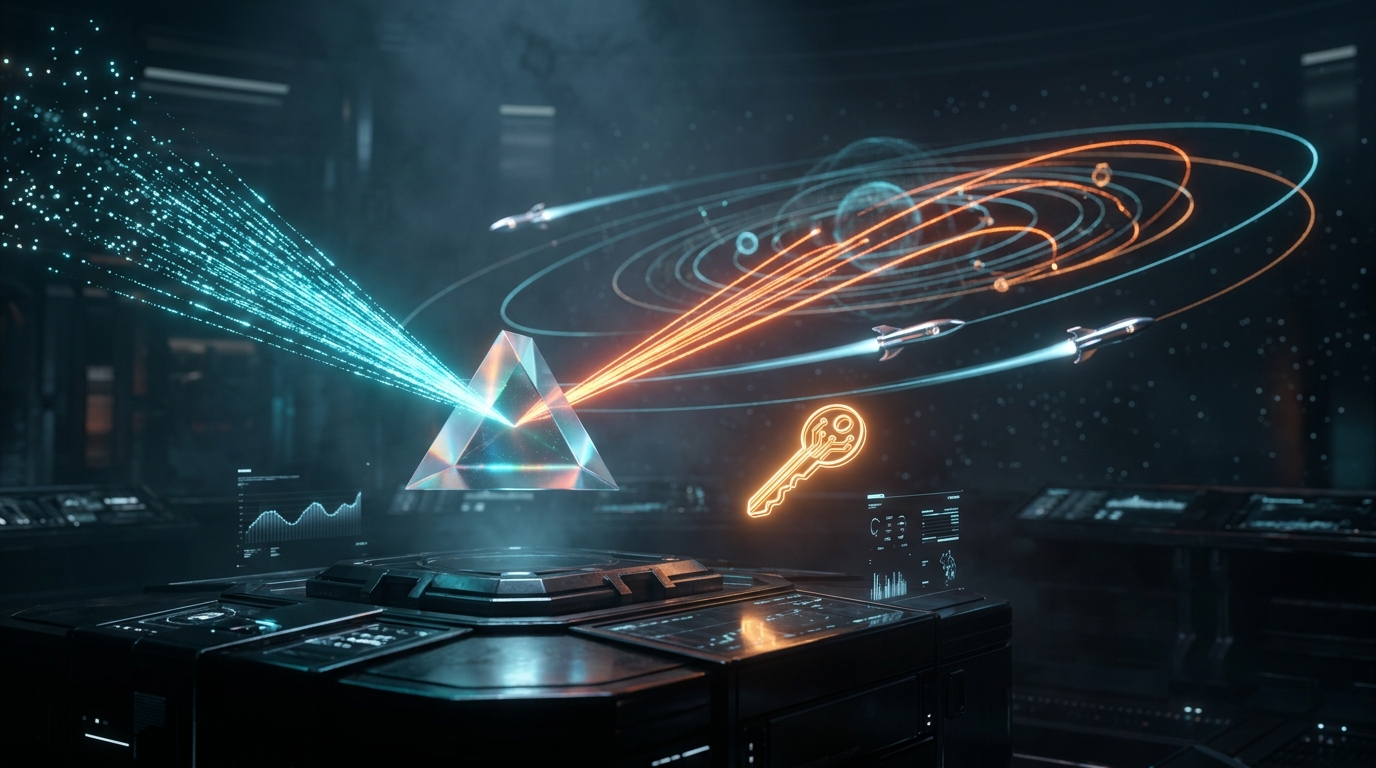
Meet the Flag Caretaker, RocketFlag’s fully automated flag-hygiene system designed to help you stop “flag rot” dead in its tracks.
The Problem: Flag Rot
It is a common scenario: wrapping a new feature in a flag, rolling it out to 100% of users, and celebrating a successful launch. The feature is permanent now, but the conditional logic (if flag_enabled { ... }) remains buried in the codebase.
For months, or even years.
This is “flag rot.” It clutters your repository, confuses new hires, degrades readability, and poses a risk if someone accidentally toggles an ancient, forgotten switch. But let’s be honest: writing a PR to manually delete dead code paths and clean up imports is tedious, low-value work. So, teams defer it indefinitely.
The Flag Caretaker changes that by making flag cleanup so easy it feels automatic.

How It Works: Safe, Zero-Access Hygiene
Many automated cleanup tools demand full read/write access to your company’s source repositories. That represents a massive security risk. Developer tools shouldn’t need access to intellectual property just to delete a few lines of code.
RocketFlag takes a different approach. The Caretaker operates entirely on flag evaluation data, keeping your code safe in your environment:
- Continuous Health Scans: The Caretaker runs daily, evaluating the age, traffic patterns, and modification history of every flag. It automatically classifies them as stale (fully rolled out but still in the code) or dormant (completely unused).
- AI-Powered Removal Prompts: When a flag is marked as stale or dormant, RocketFlag generates a precise, ready-to-paste AI prompt. You just copy the prompt, paste it into your local coding assistant (like Copilot, Claude, or your terminal agent) inside your IDE, review the diff, and commit.
- Full Snooze Control: Not ready to delete a flag yet? Maybe you’re keeping a kill switch active for a critical migration, or you have a seasonal feature. No problem. You can snooze the Caretaker notifications for 30, 60, or 90 days with a single click.
- Daily Admin Digests: You don’t need to constantly check the dashboard. The Caretaker compiles a daily summary email of newly stale or dormant flags across your organization and delivers it straight to your admins.
A Closer Look: Stale vs. Dormant
Not all unhealthy flags are the same, so the Caretaker treats them differently:
- Stale Flags: These are flags that have been active for at least 30 days, are currently pinned to either 0% or 100% traffic, have served at least 1,000 hits in the past month, and haven’t been toggled recently. The Caretaker knows which code branch is the “live” path and constructs a prompt telling your AI agent exactly which logic block to keep and which to delete.
- Dormant Flags: These are flags that are at least 60 days old but have served zero traffic in the last two months. Because there is no active traffic to guide the decision, the Caretaker’s prompt instructs your AI agent to defensively analyze both code paths, leave a comment for review, and safely clean up the unused imports.
How to Get Started
The Flag Caretaker is available today on all Teams and Enterprise plans. Personal projects and free tiers are not eligible.
To check your flag health:
- Open your RocketFlag dashboard and select your project.
- Stale or dormant flags will now display a red Caretaker badge in your flags table.
- Click on the flag, navigate to the new Caretaker tab, and generate your custom AI cleanup prompt or snooze the alert.
Later this week, a technical deep-dive will be published, covering the Caretaker’s underlying classification engine, the Go-templated prompt generation, and how the detector was optimized to query millions of evaluations in seconds.
Stop letting tech debt accumulate. Experience the ease of a self-cleaning codebase today.
The Caretaker detector is being rolled out in dry-run mode on staging first to ensure everything runs smoothly. Feedback on the new prompts is welcome!
— JK @ RocketFlag