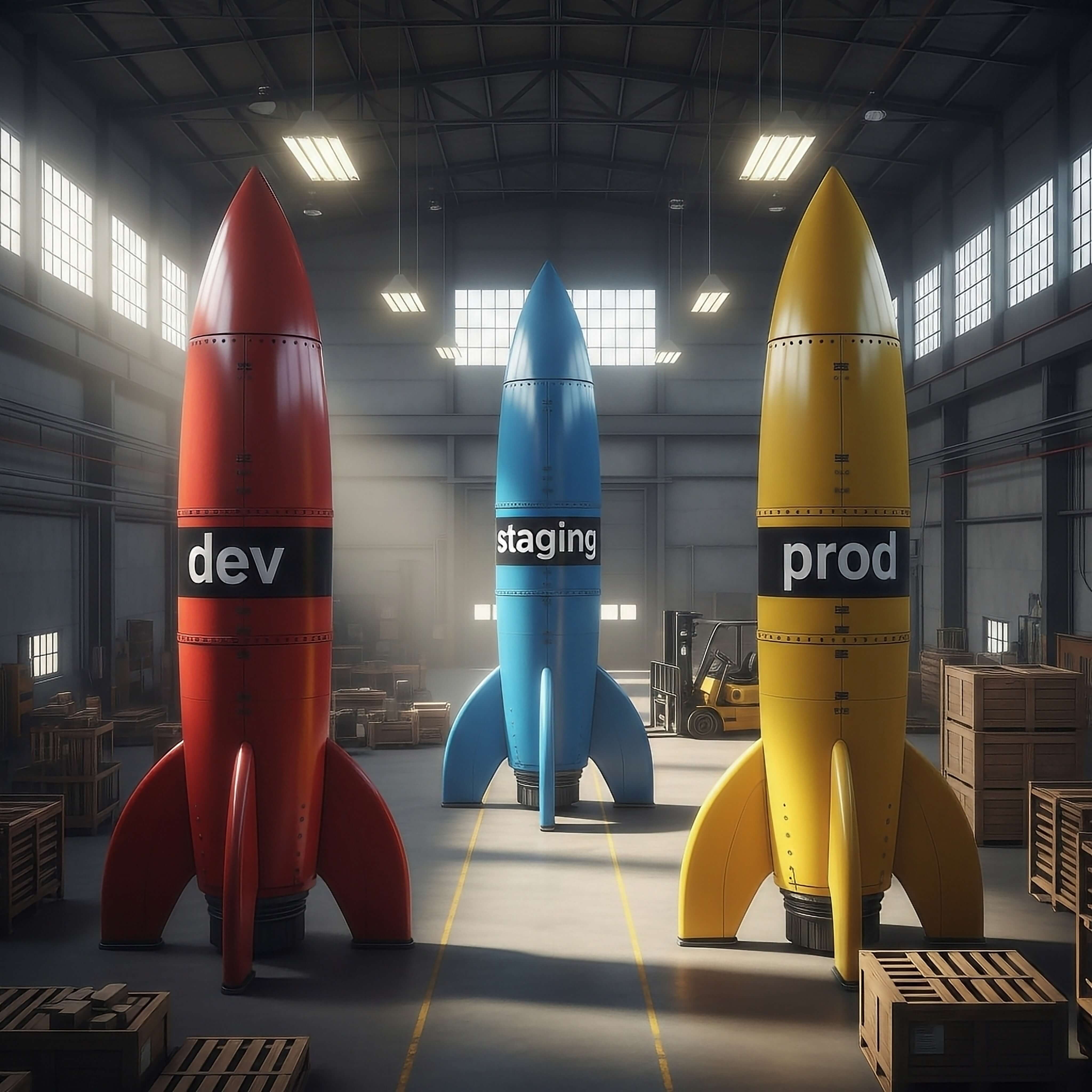
Ever found yourself juggling multiple feature flags for the same feature? You know, new-dashboard-dev, new-dashboard-staging, and
new-dashboard-prod?
It’s a common workaround, but it’s messy, hard to track, and adds unnecessary complexity to your release pipeline. When you want to promote a feature, you have to remember to find and update the next flag in the chain.
At RocketFlag, we’re all about making feature management powerful, simple, and efficient. That’s why we’re excited to launch Group Flags 🎉 a new way to manage a single feature’s lifecycle across all your environments from one central place.
What Are Group Flags?
Think of a Group Flag as a “master” flag that contains specific settings for each of your environments.
Instead of three separate flags, you create one flag (e.g., new-dashboard). Inside this Group Flag, you can define unique rules for
each of your “Environment Labels” (like dev, staging, and production).
This means you can have the new-dashboard flag:
- Enabled for 100% of traffic in your
devenvironment. - Enabled only for your ‘QA’ Cohort in the
stagingenvironment. - Disabled by default in your
productionenvironment, ready for a safe, staggered rollout.
All of this is visible and manageable from a single, unified view.
Why You’ll Love Group Flags
This feature is designed to directly address the pains of multi-environment releasing and supercharge your team’s workflow.
- Streamline Your Workflow: Stop creating, managing, and deleting duplicate flags. Create it once, and manage its entire lifecycle.
- Eliminate “Dead” Flags: No more forgetting about
my-feature-staginglong after the feature has launched to production. Used in conjunction with the stale flags label and last hit values, this makes keeping your flag state clean and easy. - Better Visibility: See the state of any feature across all environments at a single glance. No more guessing what’s live where.
- Accelerate Collaboration: Product Managers can check the status in staging, and DevOps can manage the production rollout, all while developers work on the next iteration in dev all using the same flag.
- Enable Safer Releases: Confidently test in isolated environments before promoting the exact same flag (with new settings) to production.
How to Get Started
We’ve made this incredibly straightforward, fitting right into your existing RocketFlag workflow. This new capability is part of our Multi-Environment Projects.
1. Define Your Environments First, in your Multi-Environment Project, set up your “Environment Labels”. This is a one-time setup where
you can name your environments, for example: dev, staging, qa, and production.
2. Create Your New Group Flag Click the “New Group Flag” button. You’ll now see options to add this flag to one or more of the environments you just defined. For each one, you can set its initial state, traffic percentage.
3. Manage Everything at a Glance` Your main dashboard will now show your Group Flag and its status in each environment. You can toggle the flag on or off for any environment with a single click, or edit its settings (like traffic rollout) individually.
The API is Just as Easy
We’ve extended our simple and fast API to make this seamless for your applications. To get a flag’s value, you just need to add the new
env parameter to specify which environment you’re asking about.
That’s it. Your application code stays clean, and you don’t need any complex logic to handle different environments.
Example (cURL):
# Check the flag status for your staging environment
curl "https://api.rocketflag.app/v1/flags/your_flag_id?env=staging"

# Check the same flag for production
curl "https://api.rocketflag.app/v1/flags/your_flag_id?env=production"
Good to know!
As part of this announcement, single-environment flag functionality will be entering maintenance mode soon. This means that the ability to create single-environment flags will likely be discontinued since grouped flags already offers this functionality.
Availability
Group Flags are available today for all users on our Teams Plan.
This powerful new feature is a core part of our mission to support collaborative teams, and it pairs perfectly with the shared projects and audit logs already included in the Teams Plan.
And of course, the Teams Plan comes with RocketFlag’s signature fixed, predictable pricing. No per-user fees, no per-MAU charges. Just one simple price for your whole team to innovate faster.
Ready to simplify your release pipeline?
- Current Teams Plan users: Log in and create your first Group Flag!
- Want all the technical details? Check out the full Group Flags User Guide.
- New to RocketFlag? Sign up for our free plan to see how easy feature flagging can be, and explore our predictable Teams pricing when you’re ready to collaborate.
We can’t wait to see how your team uses Group Flags to ship faster and safer.